AI Font Generator: custom font art, ready to print
ArtFont is an AI font generator and font art generator that turns any word, name or brand into custom font art — finished lettering delivered as a transparent PNG and a clean SVG, ready to print, cut on a Cricut or engrave.
- Transparent PNG
- Real SVG vector
- Print & cut ready
- Commercial use
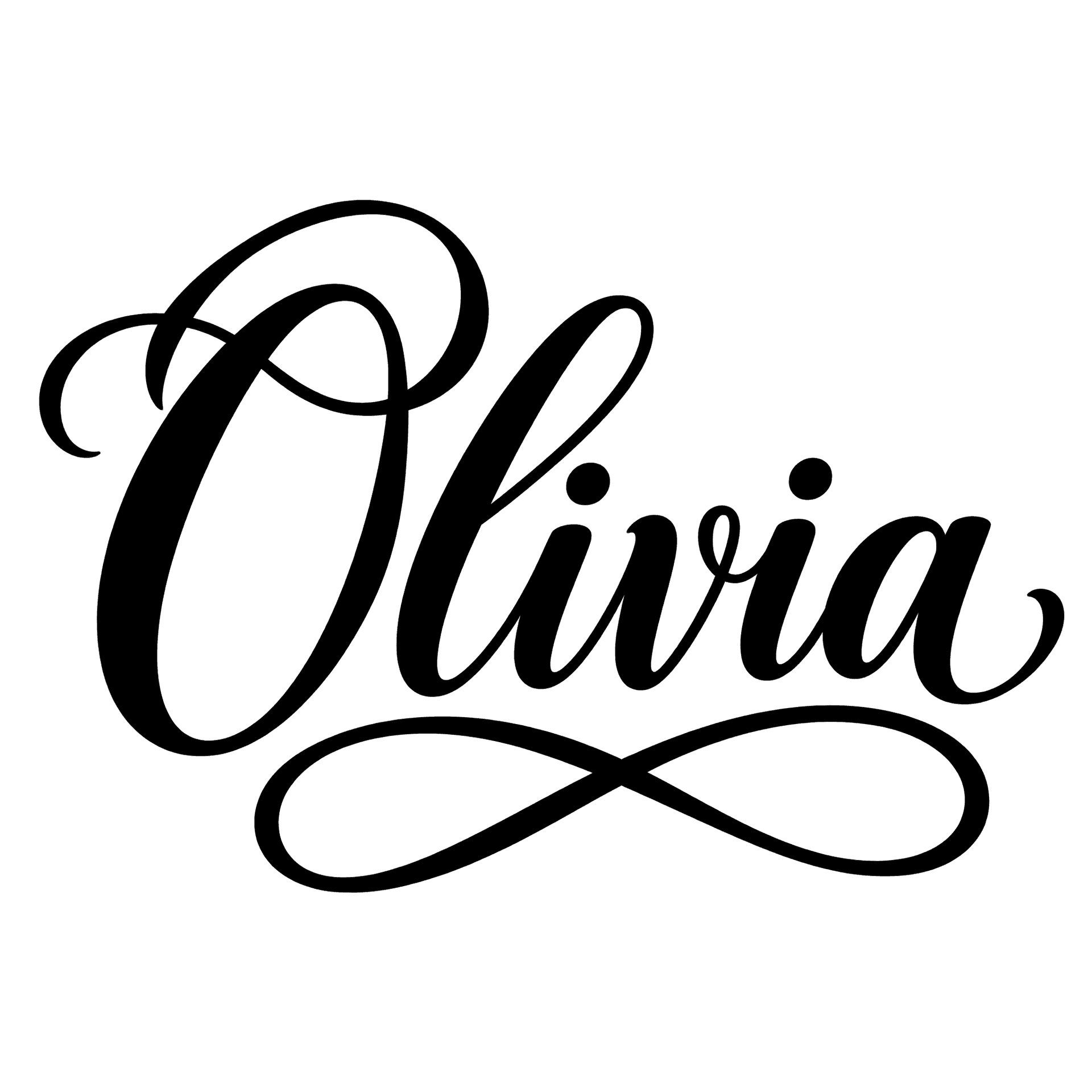 Example · Flourish script Transparent PNG
Checkerboard = transparent. Commercial use included · no watermark
How it looks on products
These are mockups: the product photos are rendered with AI, and the lettering placed on them is the unedited design file shown in the corner — exactly what you download. They show how a design reads at real size, not a finished item we made.
 Mockup
 Mockup
 Mockup
 Mockup
 Mockup
 Mockup
What is an AI font generator?
ArtFont is an AI font generator and font art generator that turns any word, name or brand into custom font art — finished lettering delivered as a transparent PNG and a clean SVG, ready to print, cut on a Cricut or engrave.
An AI font generator can mean two things: a tool that creates an installable font file, or one that draws your text as finished font art. ArtFont is the second kind — an AI lettering generator built for lettering that goes onto physical things: the text is spelled exactly as you type it, the background is a real transparent layer, and every flat-colour design also downloads as a vector for cutting machines and lasers.
What problem does it solve?
Most AI image tools give you a picture with a white box behind it and a word that is almost spelled right — fine to look at, unusable on a shirt or a vinyl decal. You end up removing the background by hand, tracing it into a vector, and fixing letters. ArtFont does those three steps for you: correct text, transparent PNG, SVG.
Personalized font art in any style
The AI font generator draws every design around your exact text. Script, varsity, bubble, retro, western and calligraphy styles all spell names, dates, quotes and brand names letter for letter — as custom lettering rather than a font anyone can install.
Browse the print & cut styles
Transparent background, no cleanup
Every piece of font art comes out as a PNG with a real alpha channel. There is no white box, no remove-background step and no light halo around the letters, so it drops onto a t-shirt, a mug, a sticker sheet or a slide exactly as it is.
See it on a t-shirt mockup
Real SVG, ready to cut and engrave
The same font art downloads as an SVG made of clean closed paths. A traced script name is typically a single path of about 10 KB, which imports into Cricut Design Space, Silhouette Studio and LightBurn and scales from a keychain to a wall sign.
Make a monogram
Print-ready, commercial use included
Font art from the AI font generator comes without a watermark, and you keep the commercial rights. Sell the shirts, fill the Etsy orders, deliver the client logo — the designs are yours.
See pricing
One lettering engine, a tool for each job
Who is it for?
- Cricut and Silhouette crafters — monograms, name decals, cake toppers and signs as cut-ready SVG
- Laser engravers — names, ranch brands and plaques as vector files for LightBurn or xTool
- Print-on-demand and Etsy sellers — text designs for tees and mugs, and custom name files for each order
- Small brands — a lettered wordmark logo as a transparent PNG and SVG
When not to use it
- Font files. ArtFont makes finished artwork, not .ttf or .otf fonts you can install and type with — for that, use a font generator such as Mixfont or Calligraphr.
- Picture-led designs. Illustrations, characters and photos are not what it is built for; a general image generator will do better.
How to use the AI font generator
- Step 1
Type your text
Enter the word, name or brand exactly as it should read — up to 40 characters.
- Step 2
Pick a style and colour
Choose a lettering style from the grid and a colour, or keep the style's own colours.
- Step 3
Generate
Keep "Transparent background" on and press Generate. The design is ready in about a minute.
- Step 4
Download PNG or SVG
Download the transparent PNG for printing, or the SVG for cutting and engraving.
ArtFont vs the alternatives
ChatGPT and Midjourney
Good at: illustrations and any visual idea you can describe.
The difference: they return a flat image, usually on a background, and long text is often misspelled; you still have to cut it out and vectorize it.
Canva
Good at: laying out a design with thousands of installable fonts and templates.
The difference: it sets your text in an existing font rather than drawing lettering for it, and SVG export is a paid feature.
Kittl
Good at: hands-on text effects and a full design editor for print-on-demand.
The difference: you build the design yourself in an editor; ArtFont draws a finished design from one line of text.
If you want to design by hand and tweak every curve, an editor like Kittl or Illustrator is the better tool. If you want finished lettering for a specific word in a minute — already transparent and already a vector — that is what ArtFont is for.
Frequently asked questions
What is an AI font generator?
An AI font generator uses AI to create lettering from text, and the name covers two kinds of tool. Some generate an installable font file (.ttf or .otf) that you type with — Mixfont and Calligraphr work that way. ArtFont generates font art: your exact words drawn as a finished design and returned as a transparent PNG and an SVG, ready for a shirt, a decal or a laser. If you need a typeface, use a font-file generator; if you need the finished lettering, use ArtFont.
Is ArtFont a font art generator?
Yes. ArtFont is a font art generator — some call it an art font or artistic font generator: it turns any text into font art — script, varsity, retro, western, calligraphy and more — drawn around your exact words rather than typed in an existing font. Each design downloads as a transparent PNG, and flat-colour designs also as an SVG for Cricut, Silhouette and laser software.
Is the background really transparent?
Yes — the PNG has a real alpha channel, so there is no white box to remove. The image model is asked for a transparent background directly, and if a render ever comes back with a painted backdrop we key it out before you download. The checkerboard behind the result on this page is only there to show you which parts are transparent.
What do I get in the SVG download?
A traced vector of the lettering in one flat colour, made of closed paths. It imports into Cricut Design Space, Silhouette Studio, LightBurn and Illustrator and scales to any size without blurring. It does not keep gradients, glows or pattern fills — styles marked "PNG" in the picker are print designs, so use their PNG instead.
Can I sell products made with these designs?
Yes. Designs you generate are yours to use commercially — on shirts, mugs, signs, decals, cake toppers and client work — with no watermark and no attribution required. The one thing to check yourself is the words: a design does not give you rights to someone else's trademark or team name.
How much does it cost?
A standard design (2K, standard quality) costs 13 credits, and new accounts get 30 free credits — enough for your first 2 designs. Quick 1K drafts cost 4 credits; 4K at best quality costs 40. PNG and SVG downloads of your own designs are included. Credit packs start at $9.99 for 900 credits, about 69 standard designs.
How big can I print it?
A transparent PNG goes up to 2K (2048 px on the long side), which prints sharp at about 17 cm / 6.8 in wide at 300 DPI — enough for a shirt chest print, a mug or a decal. With transparency off you can render 4K. For anything larger, download the SVG: it is a vector, so it cuts, engraves or prints at any size.