Custom SVG Files for Laser Engraving
The ArtFont Laser Engraving SVG Generator is an AI tool that creates SVG files for laser engraving from any name or phrase — western, ornate frame, stencil and line lettering — with clean closed paths for LightBurn, xTool and Glowforge.
- Transparent PNG
- Real SVG vector
- Print & cut ready
- Commercial use
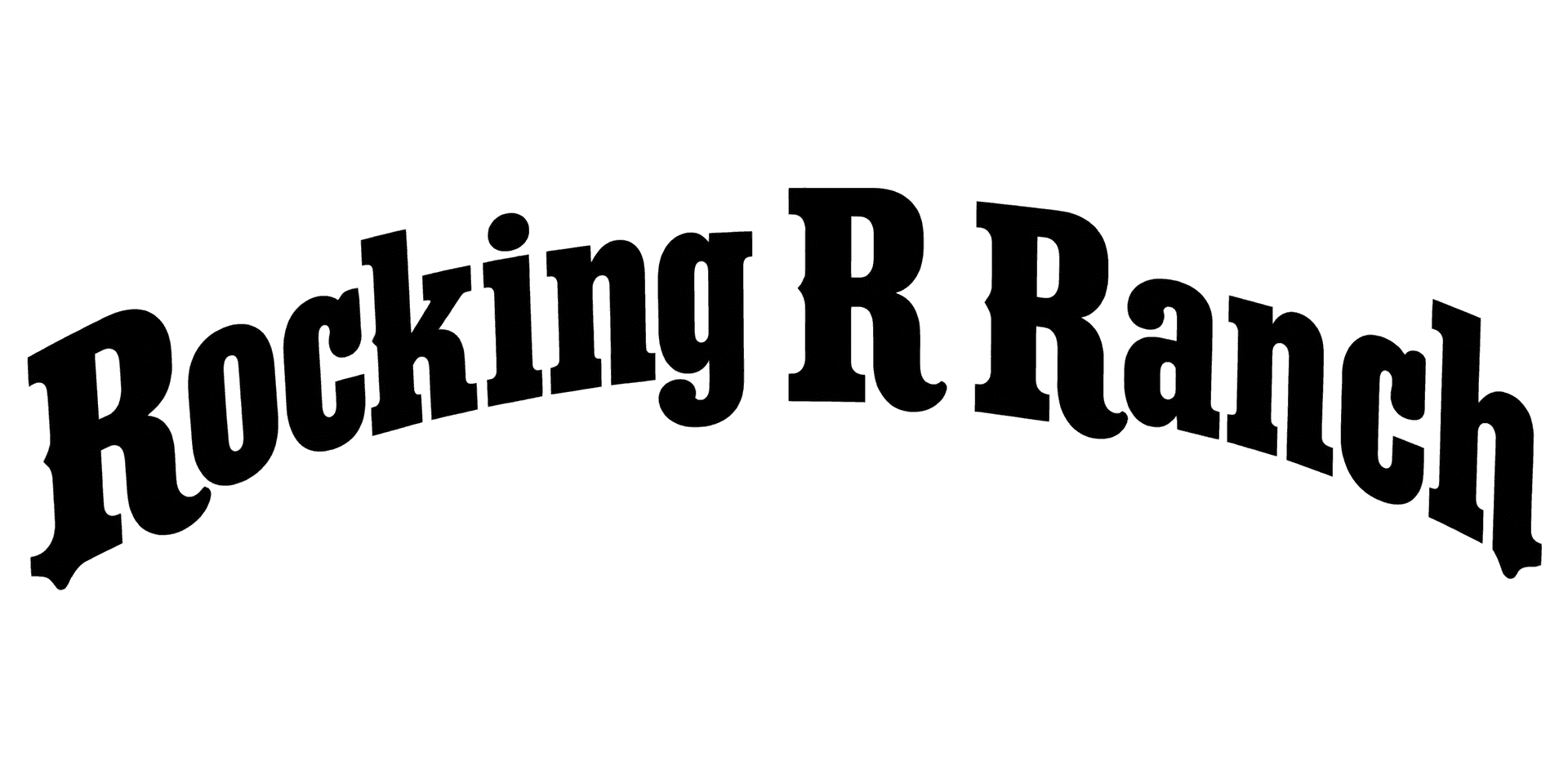 Example · Rustic western Transparent PNG
Checkerboard = transparent. Commercial use included · no watermark
Examples made with the Laser Engraving SVG Generator
Real designs generated with this tool, shown on a transparent background. Press “Use this setup” to load the same text, style and colour into the tool above.


How it looks on products
These are mockups: the product photos are rendered with AI, and the lettering placed on them is the unedited design file shown in the corner — exactly what you download. They show how a design reads at real size, not a finished item we made.
 Mockup
 Mockup
What is a laser engraving SVG generator?
The ArtFont Laser Engraving SVG Generator is an AI tool that creates SVG files for laser engraving from any name or phrase — western, ornate frame, stencil and line lettering — with clean closed paths for LightBurn, xTool and Glowforge.
SVG files for laser engraving are vector drawings a laser can follow as fill or cut paths. Instead of searching marketplaces for a file that almost says what you need, this generator draws the lettering for your exact text and traces it into a single-colour SVG.
What problem does it solve?
Laser software engraves vectors cleanly and struggles with pixels, and most ready-made laser SVGs carry someone else's name. Typing text in LightBurn works but only in the fonts you have installed. The generator gives you custom lettering for your text as closed vector paths, ready to fill-engrave or cut.
Who is it for?
- Hobby laser owners — personalised gifts — cutting boards, coasters, keychains
- Engraving shops — a custom name or ranch brand file for each order
- Leather workers — branding-iron style marks for patches and wallets
- Sign makers — stencil and line lettering for wood, acrylic and metal signs
When not to use it
- Photo engraving. For grayscale photos, use your laser software's image mode — an SVG is for lines and fills.
- Designs that must match an exact brand typeface. Use the brand's licensed font in LightBurn instead.
How to use the Laser Engraving SVG Generator
- Step 1
Type the text to engrave
A family name, a ranch brand, a shop name or a date.
- Step 2
Pick an engraving style
Rustic western, ornate frame, stencil, geometric line, signature or circle monogram.
- Step 3
Generate
Press Generate; the lettering is ready in about a minute.
- Step 4
Download the SVG into your laser software
Import it into LightBurn, xTool Creative Space or the Glowforge app, then set it to fill or cut.
Laser Engraving SVG Generator vs the alternatives
LightBurn's text tool
Good at: engraving plain text in any installed font, directly on the job.
The difference: it is limited to fonts you have; ArtFont draws decorative lettering and frames that no font contains.
Laser SVG bundles (Etsy, Creative Fabrica)
Good at: large libraries of ready-made designs at a low price per file.
The difference: the text in them is fixed — here the lettering is drawn for your words.
Drawing it in Illustrator or Inkscape
Good at: complete control of every node.
The difference: it takes design skill and time for each name.
Plain text in a font you own? Type it in LightBurn. Decorative custom lettering for a specific name, as a clean SVG in a minute? Generate it here.
More lettering tools
Frequently asked questions
Will the SVG work in LightBurn?
Yes. LightBurn imports the SVG as closed vector shapes; set the layer to Fill to engrave the lettering or to Line to cut its outline. Check the size after import and scale it to your material.
Are these free SVG files for laser engraving?
Your first 2 designs are free with the 30 credits every new account gets, and the SVG download is included. After that a standard design costs 13 credits (a 1K draft 4), with packs from $9.99 for 900 credits. The files are yours to engrave on products you sell.
What do I get in the SVG download?
A traced vector of the lettering in one flat colour, made of closed paths. It imports into Cricut Design Space, Silhouette Studio, LightBurn and Illustrator and scales to any size without blurring. It does not keep gradients, glows or pattern fills — styles marked "PNG" in the picker are print designs, so use their PNG instead.
Can I sell products made with these designs?
Yes. Designs you generate are yours to use commercially — on shirts, mugs, signs, decals, cake toppers and client work — with no watermark and no attribution required. The one thing to check yourself is the words: a design does not give you rights to someone else's trademark or team name.
How big can I print it?
A transparent PNG goes up to 2K (2048 px on the long side), which prints sharp at about 17 cm / 6.8 in wide at 300 DPI — enough for a shirt chest print, a mug or a decal. With transparency off you can render 4K. For anything larger, download the SVG: it is a vector, so it cuts, engraves or prints at any size.