AI Calligraphy Generator
The ArtFont AI Calligraphy Generator writes any name, word or short phrase as finished calligraphy — Chinese brush scripts (regular, running and cursive) or Western copperplate, modern, italic and blackletter — and downloads it as a transparent PNG and a cut-ready SVG.
- Transparent PNG
- Real SVG vector
- Print & cut ready
- Commercial use
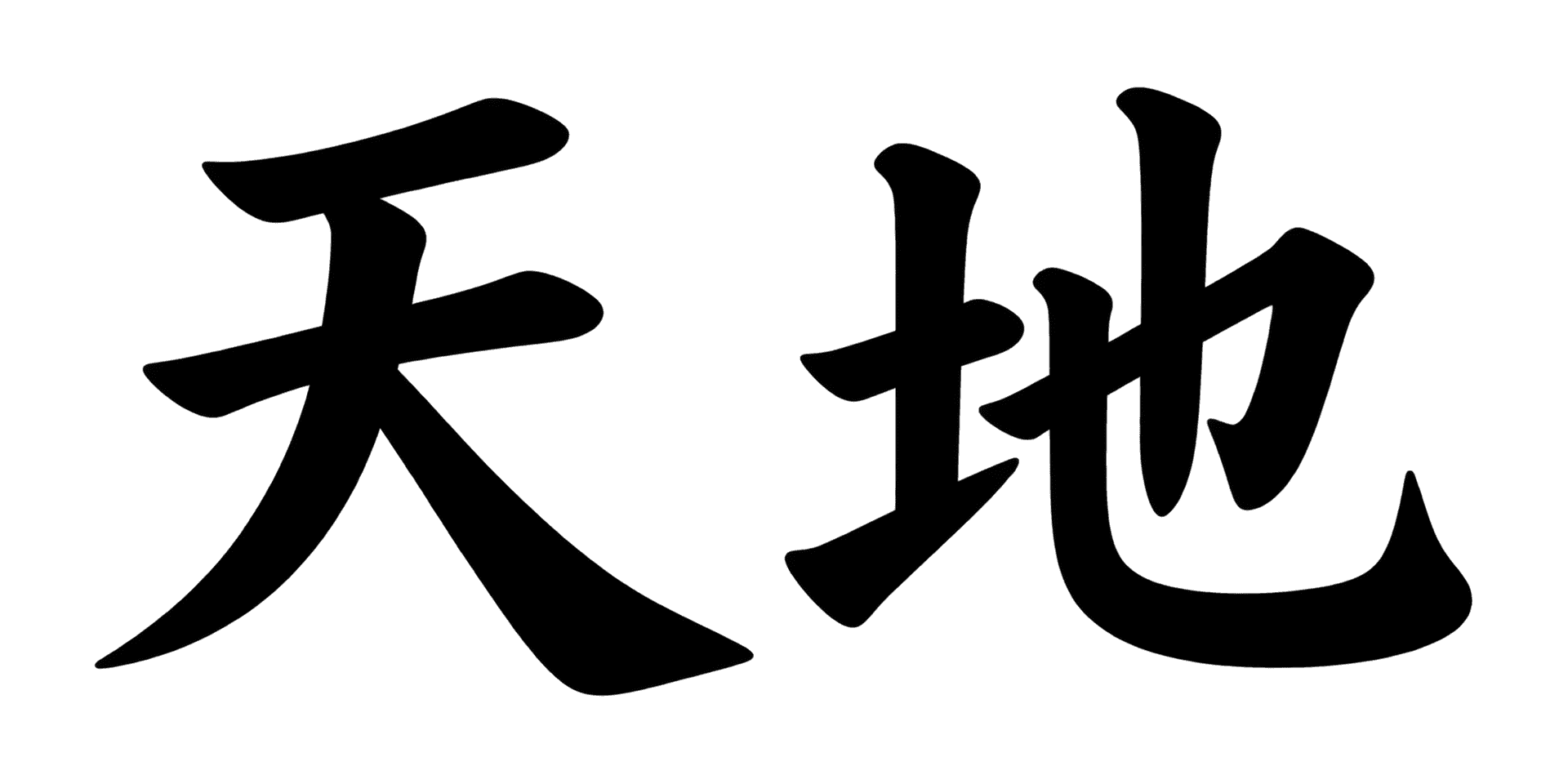 Example · Chinese kaishu Transparent PNG
Checkerboard = transparent. Commercial use included · no watermark
Examples made with the AI Calligraphy Generator
Real designs generated with this tool, shown on a transparent background. Press “Use this setup” to load the same text, style and colour into the tool above.


What is an AI calligraphy generator?
The ArtFont AI Calligraphy Generator writes any name, word or short phrase as finished calligraphy — Chinese brush scripts (regular, running and cursive) or Western copperplate, modern, italic and blackletter — and downloads it as a transparent PNG and a cut-ready SVG.
Calligraphy is lettering written with a brush or a broad pen, where the thick and thin strokes come from the tool itself. A calligraphy generator does the writing for you: it draws your text in a calligraphy hand rather than typing it in a calligraphy font, so the strokes, ligatures and swashes are shaped around your particular words.
What problem does it solve?
Real calligraphy takes years of practice, and calligraphy fonts look mechanical — every "a" is the same, and Chinese brush fonts cover common characters but rarely look written. Commissioning a calligrapher works, but takes days and costs a fee per piece. This tool gives you a written-looking piece in about a minute, on a transparent background, in a style you can compare side by side.
Who is it for?
- Wedding and event planners — names for invitations, place cards, signs and favours
- Tattoo clients — a calligraphy draft of a name or word to take to the artist
- Chinese and East Asian brands — brush-written shop names, packaging titles and posters
- Crafters and engravers — calligraphy SVGs for Cricut, Silhouette and laser engraving
When not to use it
- Translation. It writes the characters you type; it does not translate your name into Chinese. Type the Chinese characters yourself, or ask a native speaker which ones to use.
- Long passages. A name, a word or a short phrase reads best; a whole poem in one design will crowd and the AI may drop characters.
- A calligraphy font file. ArtFont makes finished artwork (PNG and SVG), not a .ttf or .otf font you install and type with.
How to use the AI Calligraphy Generator
- Step 1
Type your text
Enter a name, word or short phrase — English, or Chinese characters exactly as they should read.
- Step 2
Pick a calligraphy style
Choose Chinese regular, running or cursive script, or copperplate, modern, italic, blackletter or brush script.
- Step 3
Generate
Keep "Transparent background" on and press Generate. The calligraphy is ready in about a minute.
- Step 4
Download PNG or SVG
Use the PNG for print and screens, the SVG for cutting, engraving and large prints.
AI Calligraphy Generator vs the alternatives
Calligraphy fonts
Good at: typing long text quickly in a consistent hand.
The difference: every repeated letter is identical and Chinese brush fonts look typeset; here each design is drawn for your words.
A professional calligrapher
Good at: a one-of-a-kind original with a real brush or pen.
The difference: it takes days and a commission; here you compare styles in minutes and pay credits per design.
ChatGPT and Midjourney
Good at: illustrations around calligraphy.
The difference: they return a picture on a background, and Chinese characters are often wrong; here the background is transparent and the file traces to SVG.
If you need an original you can frame and sign, hire a calligrapher. If you need calligraphy for a name or phrase today — to print, cut, engrave or send to a tattoo artist — this generator is faster and lets you try every style first.
More lettering tools
Frequently asked questions
Can it write my name in Chinese calligraphy?
Yes, if you type the Chinese characters. The generator writes the characters you enter in regular, running or cursive script; it does not choose or translate a Chinese name for you. For an English name, the Western styles — copperplate, modern, italic and blackletter — are the better fit.
Are the Chinese characters written correctly?
In our September 2026 tests the image model wrote common Chinese and Japanese characters correctly in brush styles, including dense ones. Cursive script (caoshu) simplifies strokes on purpose, as real caoshu does, so check unusual or rare characters with a native reader before you print or tattoo them.
What is the difference between Chinese regular, running and cursive script?
Regular script (kaishu) writes every stroke separately and is the easiest to read. Running script (xingshu) links strokes for a faster, livelier hand and still reads clearly. Cursive script (caoshu) abbreviates and joins strokes heavily — the most artistic and the hardest to read.
Is the background really transparent?
Yes — the PNG has a real alpha channel, so there is no white box to remove. The image model is asked for a transparent background directly, and if a render ever comes back with a painted backdrop we key it out before you download. The checkerboard behind the result on this page is only there to show you which parts are transparent.
What do I get in the SVG download?
A traced vector of the lettering in one flat colour, made of closed paths. It imports into Cricut Design Space, Silhouette Studio, LightBurn and Illustrator and scales to any size without blurring. It does not keep gradients, glows or pattern fills — styles marked "PNG" in the picker are print designs, so use their PNG instead.
Can I sell products made with these designs?
Yes. Designs you generate are yours to use commercially — on shirts, mugs, signs, decals, cake toppers and client work — with no watermark and no attribution required. The one thing to check yourself is the words: a design does not give you rights to someone else's trademark or team name.
How much does it cost?
A standard design (2K, standard quality) costs 13 credits, and new accounts get 30 free credits — enough for your first 2 designs. Quick 1K drafts cost 4 credits; 4K at best quality costs 40. PNG and SVG downloads of your own designs are included. Credit packs start at $9.99 for 900 credits, about 69 standard designs.