Retro Font Generator
The ArtFont Retro Font Generator turns any word into vintage lettering from the decade you pick — 1920s Art Deco, 1950s diner, 1960s psychedelic, 1970s groovy, 1980s chrome, 1990s bubble or Y2K — and downloads it as a transparent PNG for shirts, posters, stickers and party invites.
- Transparent PNG
- Real SVG vector
- Print & cut ready
- Commercial use
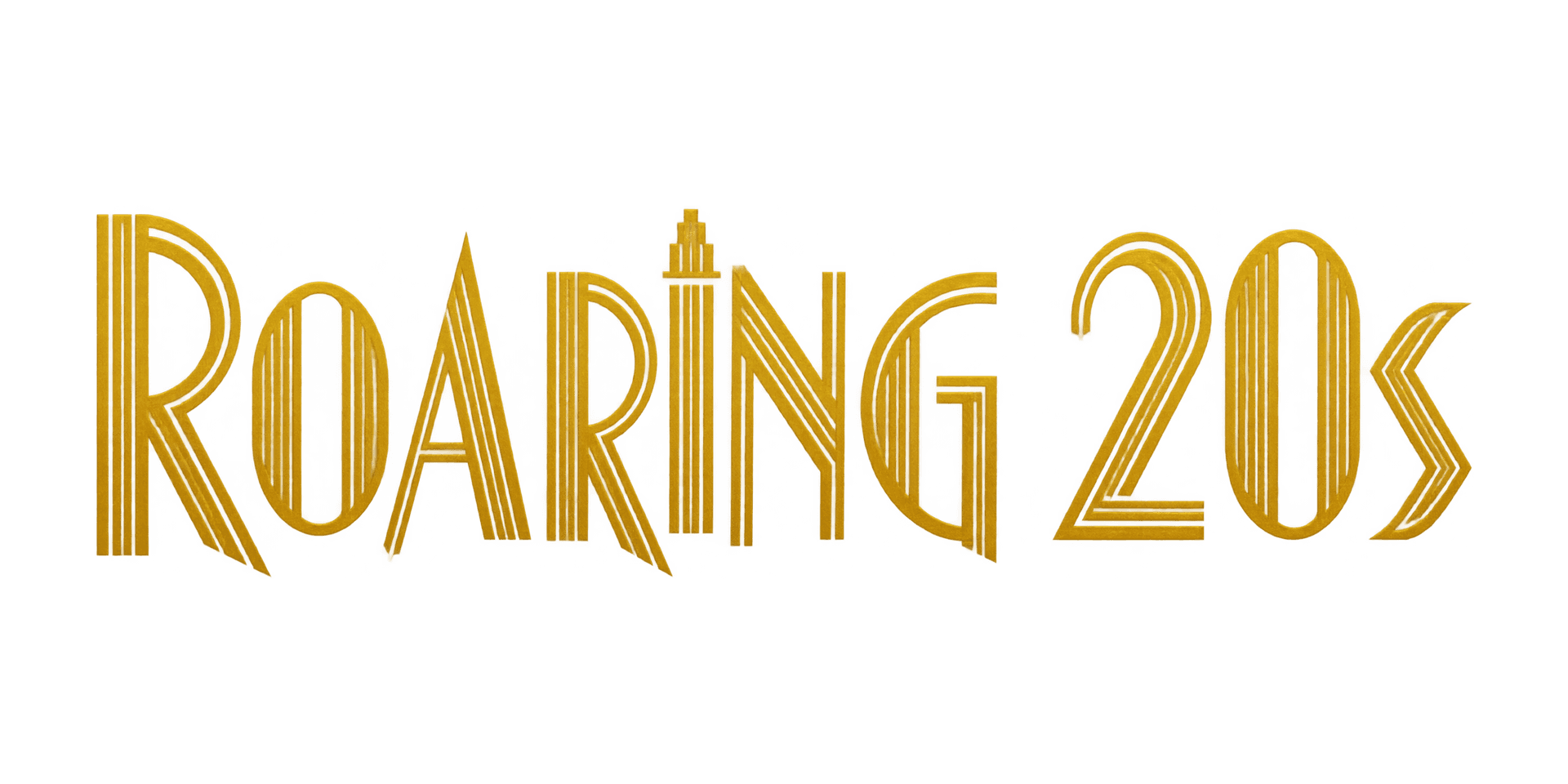 Example · 1920s Art Deco Transparent PNG
Checkerboard = transparent. Commercial use included · no watermark
Examples made with the Retro Font Generator
Real designs generated with this tool, shown on a transparent background. Press “Use this setup” to load the same text, style and colour into the tool above.


What is a retro font generator?
The ArtFont Retro Font Generator turns any word into vintage lettering from the decade you pick — 1920s Art Deco, 1950s diner, 1960s psychedelic, 1970s groovy, 1980s chrome, 1990s bubble or Y2K — and downloads it as a transparent PNG for shirts, posters, stickers and party invites.
A retro font generator draws text in the lettering style of a past decade. Each era has its own signature: the geometric gold of 1920s Art Deco, the chrome-trimmed script of a 1950s diner, melting 1960s poster letters, the warm wavy bubbles of the 1970s, synthwave chrome from the 1980s, cartoon bubble letters from the 1990s and the glossy chrome of Y2K.
What problem does it solve?
Vintage fonts get you the letter shapes but not the finish — the inline stripes, chrome, glow and colour that make it read as "70s" or "80s" have to be built by hand in an editor. Here you pick the decade and get the finished lettering, colours included, already cut out on a transparent background.
Who is it for?
- Print-on-demand and Etsy sellers — retro and throwback designs for shirts, mugs and stickers
- Party planners — decade-theme invites and signs — 20s, 70s, 80s and 90s parties
- Musicians and podcasters — synthwave, disco or 90s-style titles for covers and posters
- Small businesses — a diner, barber or bar sign with a vintage feel
When not to use it
- Cutting and engraving. The decade styles are multi-colour print designs, so they download as PNG only; for SVG, use a flat style on the homepage or the laser engraving tool.
- An installable vintage font. ArtFont makes finished artwork, not a .ttf or .otf you type with.
- Copying a real logo. The styles evoke an era; asking for a specific brand or band logo is not what it is for.
How to use the Retro Font Generator
- Step 1
Type your text
Short phrases look best — two or three words, up to 30 characters.
- Step 2
Pick a decade
Choose 1920s, 50s, 60s, 70s, 80s, 90s or Y2K; each style comes with the colours of its era.
- Step 3
Generate
Keep "Transparent background" on and press Generate. The lettering is ready in about a minute.
- Step 4
Download the PNG
Drop the transparent PNG onto a shirt, poster or invite — or try it on the t-shirt mockup.
Retro Font Generator vs the alternatives
Retro fonts on Google Fonts or DaFont
Good at: typing vintage text in a document.
The difference: you get the letter shapes only; here the chrome, glow, inline and colours are part of the design.
Kittl and Canva templates
Good at: editing a retro layout by hand.
The difference: you build or adjust the effect yourself; here the finished lettering comes from one line of text.
Text effect generators
Good at: one quick effect on a word.
The difference: they apply a filter to a font; here the letters themselves are drawn in the era's style.
If you need full control over every effect, a design editor is the better tool. If you want finished retro lettering for a word in a minute, in the right decade's look and already transparent, use this generator.
More lettering tools
Frequently asked questions
Which decades can I make?
Seven: 1920s Art Deco, 1950s diner, 1960s psychedelic, 1970s groovy, 1980s chrome, 1990s bubble and Y2K. Pick the decade in the style row; each comes with its era's colours, which you can switch to a single colour if you need one.
Can I get an SVG for Cricut?
Not from these styles: chrome, glow and multi-colour effects do not trace into a clean single-colour vector, so they download as PNG. The PNG works for sublimation, DTF and print-then-cut. For a cut file, use a flat style on the homepage or the cake topper and laser tools.
Is it free?
New accounts get 30 free credits — enough for 2 standard designs. After that a standard design costs 13 credits and a 1K draft 4.
Is the background really transparent?
Yes — the PNG has a real alpha channel, so there is no white box to remove. The image model is asked for a transparent background directly, and if a render ever comes back with a painted backdrop we key it out before you download. The checkerboard behind the result on this page is only there to show you which parts are transparent.
Can I sell products made with these designs?
Yes. Designs you generate are yours to use commercially — on shirts, mugs, signs, decals, cake toppers and client work — with no watermark and no attribution required. The one thing to check yourself is the words: a design does not give you rights to someone else's trademark or team name.
How big can I print it?
A transparent PNG goes up to 2K (2048 px on the long side), which prints sharp at about 17 cm / 6.8 in wide at 300 DPI — enough for a shirt chest print, a mug or a decal. With transparency off you can render 4K. For anything larger, download the SVG: it is a vector, so it cuts, engraves or prints at any size.